An accessible audio guide is not simply an audio file with larger buttons. It is a visitor experience designed so people can perceive, understand, navigate, and control the content through more than one route.
Start with people, not a compliance overlay: involve disabled visitors, identify barriers in the real venue, provide equivalent alternatives, make controls operable, and test the complete journey from discovery to exit.
1. Audit the complete visitor journey
Review how someone discovers the guide, obtains a device or opens a link, connects headphones, chooses a language, finds a stop, controls playback, reads a transcript, asks for help, and returns equipment. A technically accessible player cannot compensate for an unreachable QR code or unclear staff instructions.
2. Provide useful media alternatives
- Provide accurate transcripts for prerecorded audio-only content.
- Describe relevant visual details for visitors who cannot see the object or environment.
- Caption video and identify speakers and meaningful sound.
- Do not place essential instructions only in sound, color, gesture, or imagery.
- Offer adjustable text size, contrast, volume, and playback where appropriate.
WCAG 2.2 requires an alternative for prerecorded audio-only content at Level A. A transcript should include the information conveyed by speech and meaningful sound, not merely an uncorrected automatic output.
3. Make the interface operable
Use clear labels, visible focus, logical heading order, sufficient contrast, generous targets, predictable navigation, and controls that work with keyboard and assistive technology. Avoid autoplay, unexpected movement, and time limits that prevent visitors from completing a task.
Test screen-reader announcements, zoom, orientation, touch targets, form errors, language changes, and media controls on actual supported devices.
4. Design for the venue
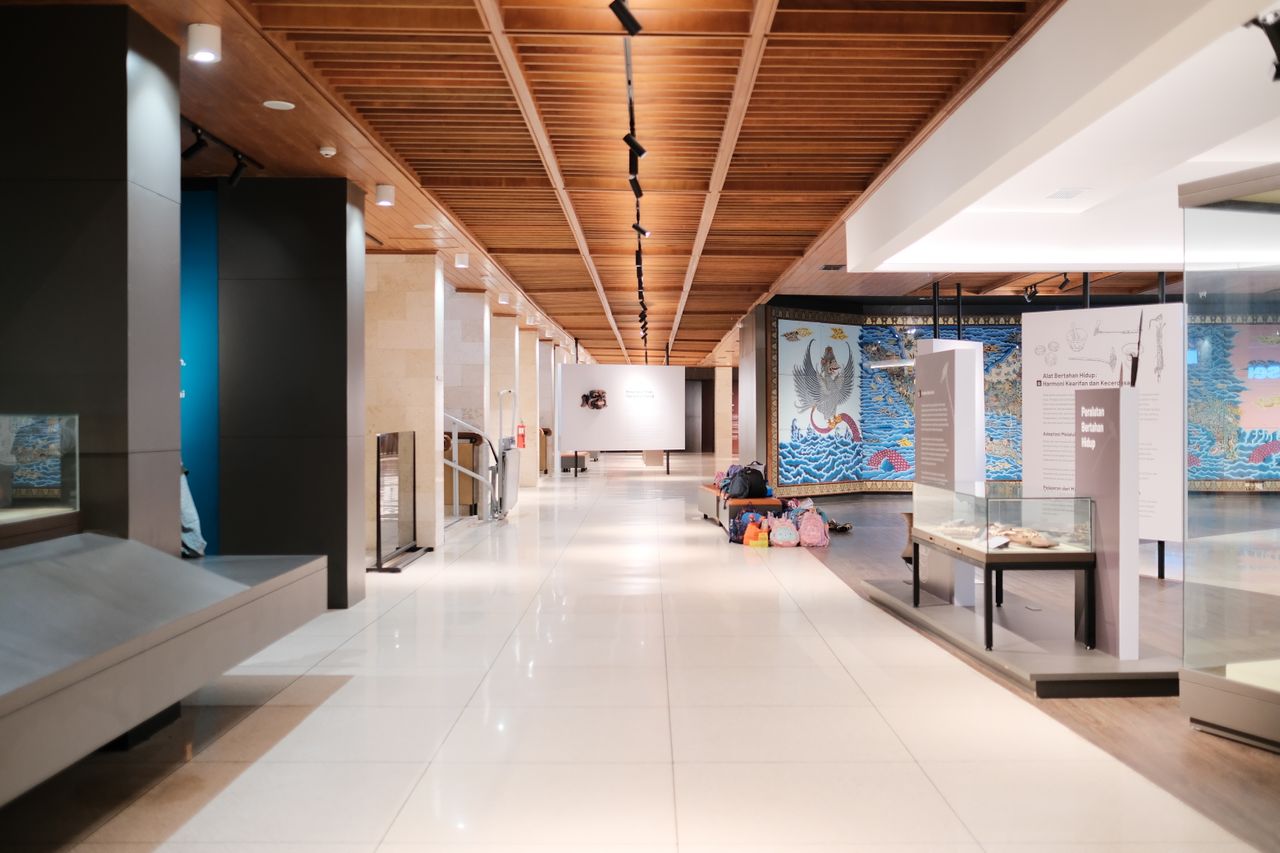
Check lighting, glare, noise, seating, route width, lift access, object height, network coverage, and whether visitors can safely look at a screen while moving. Place QR codes and identifiers where they can be reached and found, with readable numbers and a non-QR alternative.
Provide a clear option for visitors who do not have a compatible phone, data plan, headphones, battery, or confidence using the interface.
5. Make interpretation understandable
- Use plain, concrete instructions.
- Explain specialist terms when they matter.
- Offer different depths without treating accessibility as simplification.
- Give orientation before movement.
- Avoid assuming what a visitor can see, hear, remember, or physically do.
- Include disabled people in writing and testing decisions.
6. Where GuideSofia fits
GuideSofia can deliver multilingual audio, transcripts, personalized routes, app and web-app access, and content adapted to visitor context. The appropriate configuration depends on the venue and must be validated with relevant users.
See GuideSofia for museums and the comparison of app, web, QR, and rental-device access.
7. Launch checklist
- Disabled visitors participated in requirements and testing.
- Audio has an accurate transcript.
- Relevant visual information has an equivalent description.
- Core functions work without precise gestures.
- Focus, contrast, zoom, labels, and media controls are tested.
- QR placement and stop identification work in the venue.
- A supported alternative exists for visitors without suitable devices.
- Staff know how to explain access options.
- Feedback and correction routes are visible.
Frequently asked questions
Does an audio guide need a transcript?
Prerecorded audio-only web content generally needs an equivalent alternative under WCAG. An accurate transcript also supports visitors who cannot listen, prefer reading, or need to check unfamiliar terms.
Is a QR-code audio guide automatically accessible?
No. QR placement, instructions, scanning ability, the destination interface, media alternatives, device availability, venue access, and staff support all affect accessibility.
Can accessibility be tested automatically?
Automated checks can find some technical issues, but they cannot validate the complete visitor journey, content quality, venue conditions, or usability. Relevant users should participate in testing.
What about visitors without smartphones?
The institution should define a supported alternative appropriate to its audience, such as a loan device, staff-assisted access, printed text, or another equivalent route.